
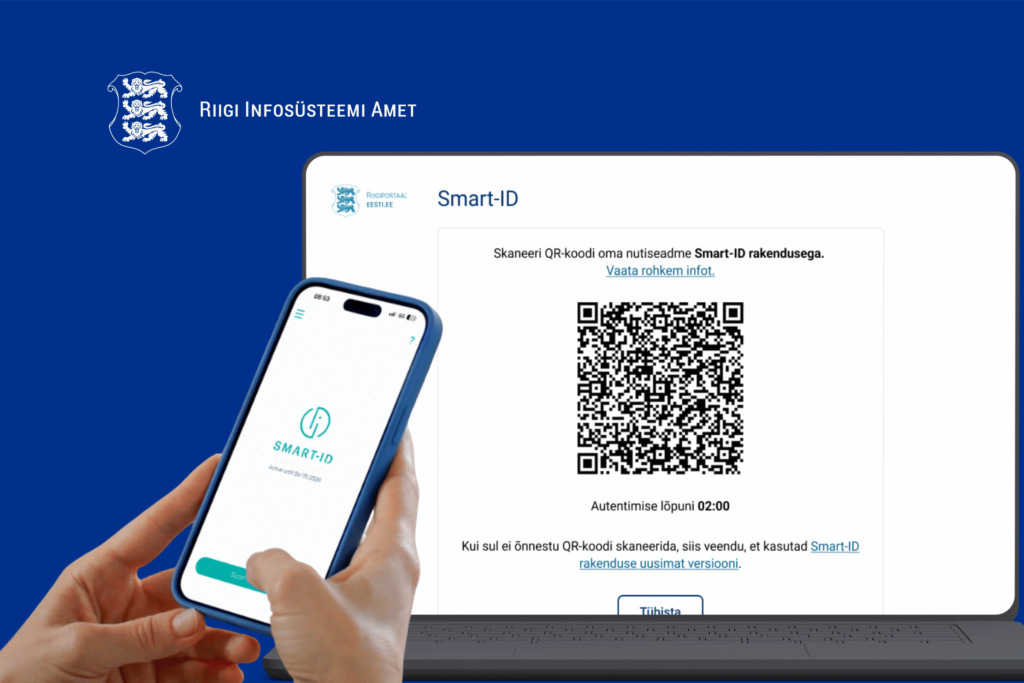
The change will bring a new, more secure login process to the state's e-services, reducing the risk of fraud and making them easier to use.
Smart-ID can be used in two ways in the future
1) Login with QR code (on different devices)
If you log in on your computer and see a dynamic QR code, open the Smart-ID app, scan the code with the camera inside the app, and confirm with PIN1. This ensures that the login session is securely linked to your device.
Video tutorial
2)Login from app to app (on the same phone)
If you log in on your phone (in your browser or in an app), select Smart-ID login option. The Smart-ID application opens automatically and you can confirm your login with PIN1 — it is not necessary to enter a personal identification code.
Video tutorial
NB! There is no charge for using the Smart-ID+ QR code at any stage of the login process. If this happens, it is a scam!
More information is available on the RIA website and Smart-ID+ website.
In case of questions, contact the Smart-ID customer service.
Access to the e-services environment of the Tax and Customs Board is provided through the State Authentication Service (TARA), which offers various authentication methods, including ID card, mobile-ID, Smart-ID, and European Union eID.

