
How to recognise scam calls
Currently, there are also scam calls where people are asked to authenticate themselves in order to, for example, get a refund of incorrectly calculated tax, receive a letter from the Estonian Tax and Customs Board or correct their income tax return.
We recommend that you hang up the phone immediately. Never share your personal data on the phone!
What characterises scam calls
- Urgent action is demanded – the caller demands speedy decision-making or action, e.g. payment.
Personal data – the caller asks for your personal data, bank card details, bank account passwords or PINs.
We never ask people for their personal data, bank card details, bank account passwords, or PINs via email, text message, or phone.
We use the identity verification service only on our customer support information line. When calling the helpline, customers can verify their identity using Smart-ID or mobile-ID to receive personalised assistance. If one of our representatives calls a customer, they will never ask the customer to verify their identity using Smart-ID, mobile-ID, or any other authentication method.
- Suspicious number – the call comes from an unknown, often foreign number, which may have an unfamiliar country code or an unusual format.
- Intimidation or manipulation – scammers threaten with payment problems, possible penalties or other dangers in order to get a person to act.
- Unable to speak the official language – the caller speaks Russian and is not willing to switch to Estonian.
- Be careful and hang up! If necessary, call our official customer support information line to verify the situation.
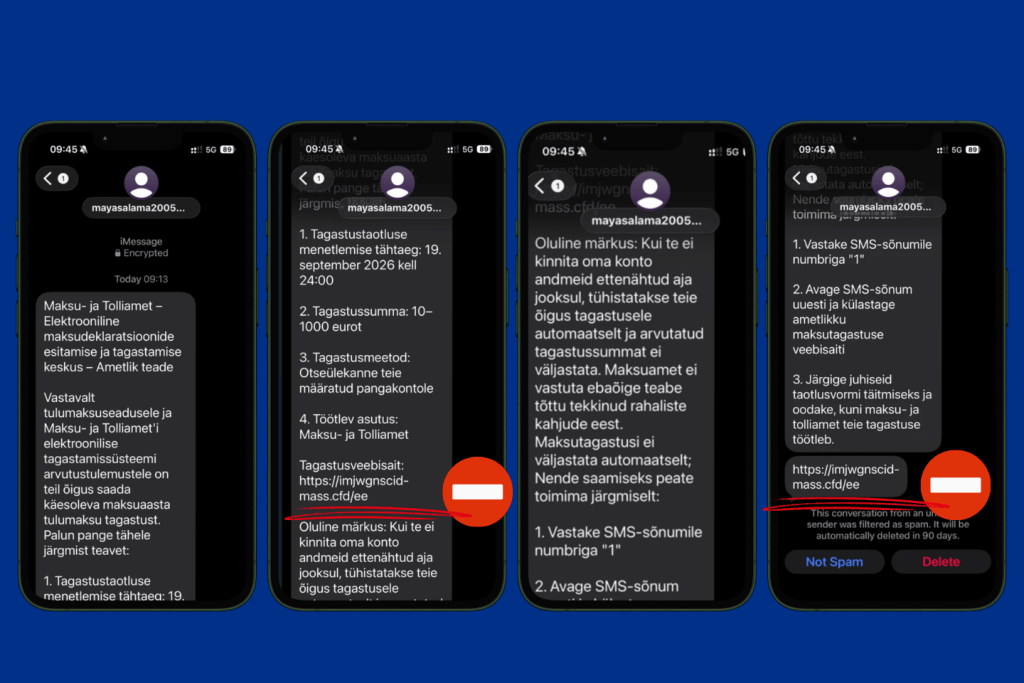
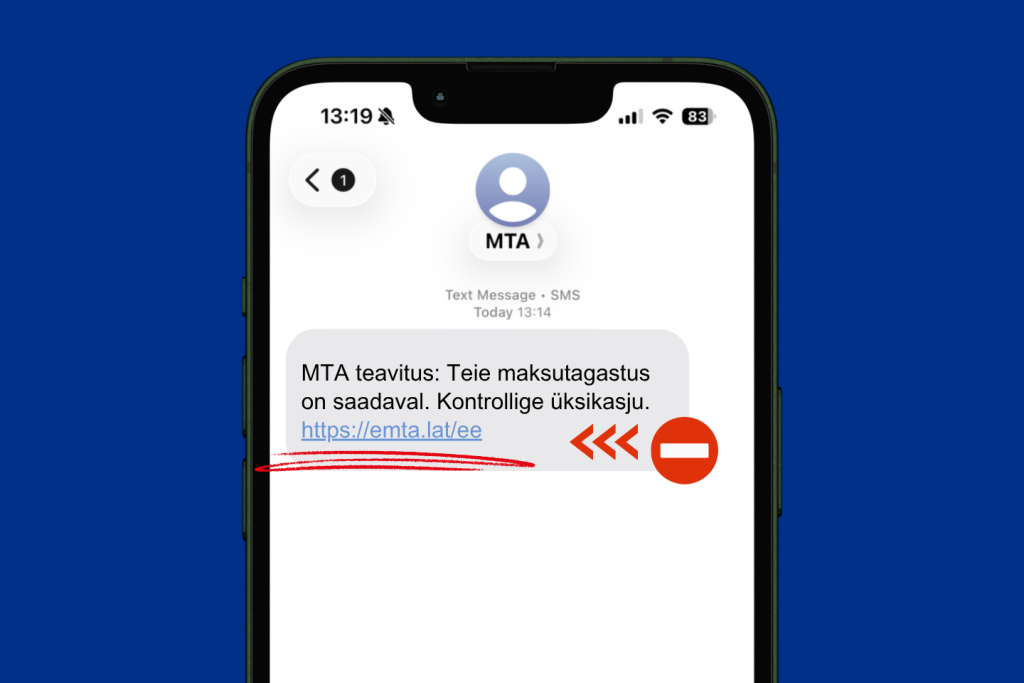
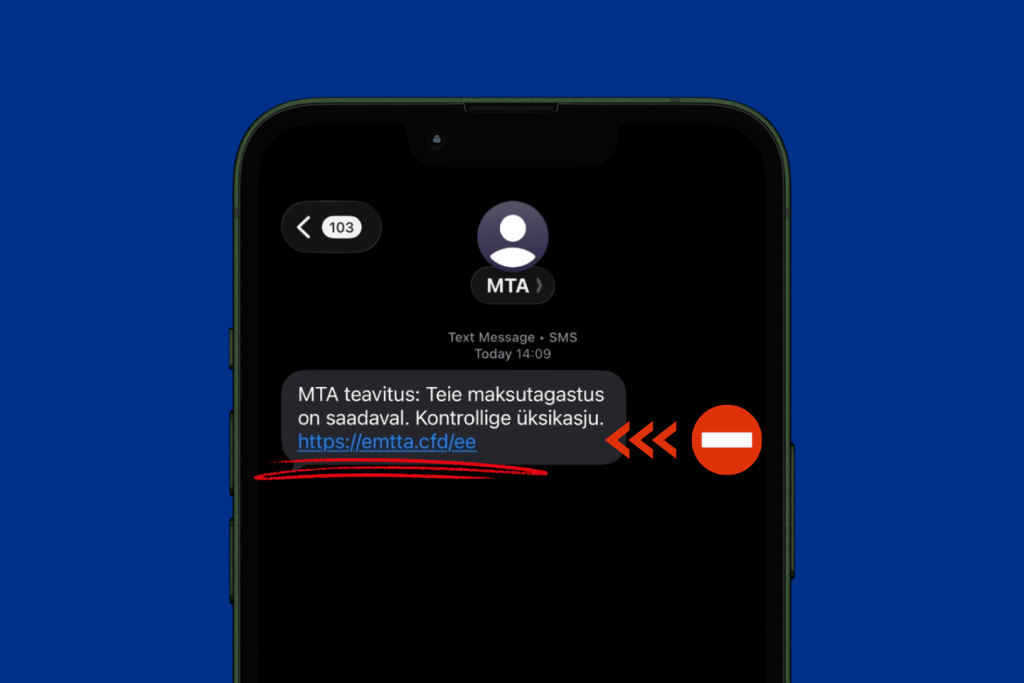
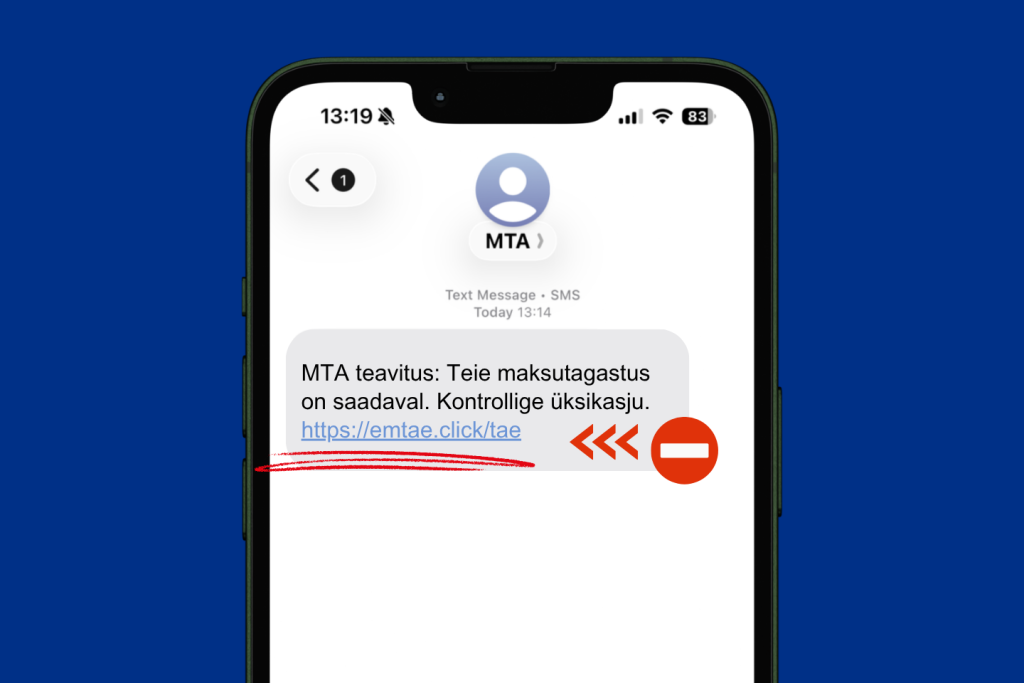
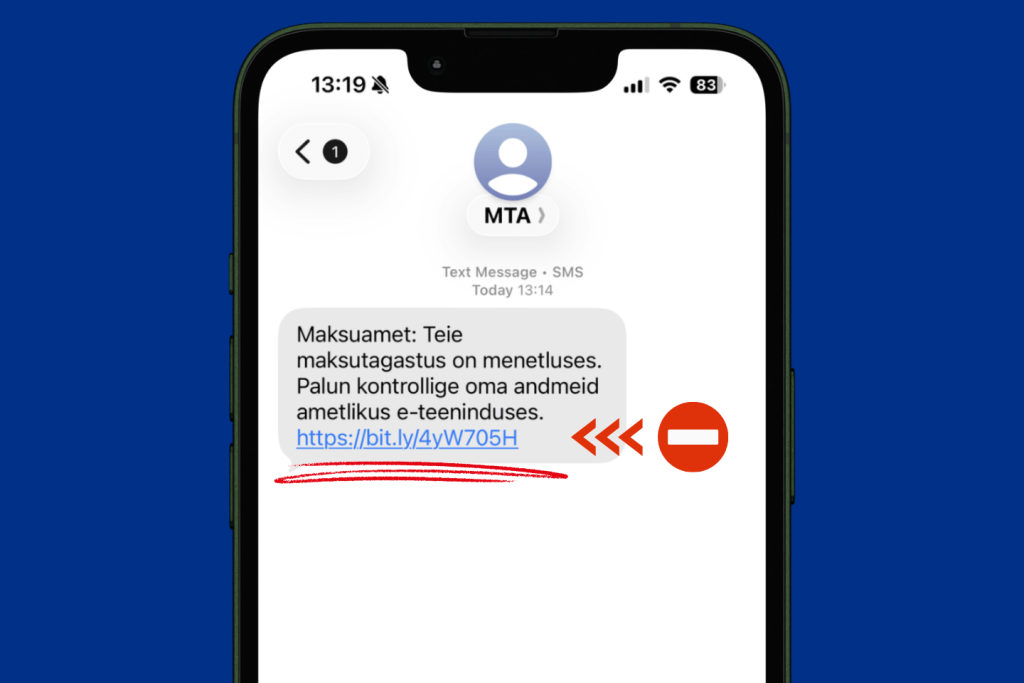
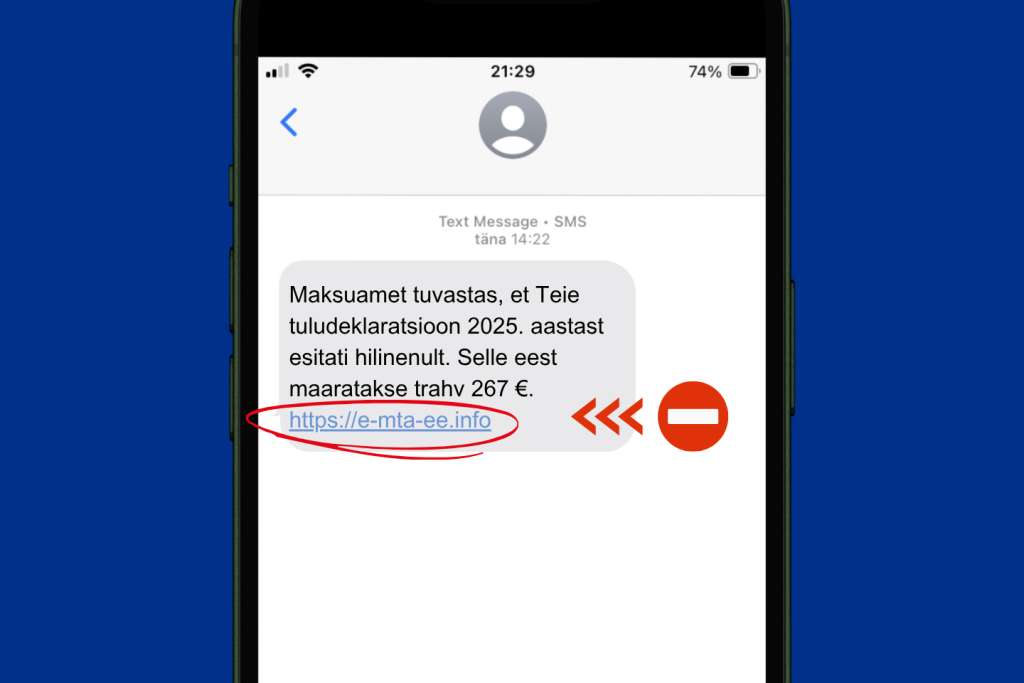
What to do if you are not sure whether an e-mail or message has been sent by the Estonian Tax and Customs Board
- Do not open links or QR codes in the e-mail or message.
- If you have opened the e-mail or link in it, do not enter your personal data, bank account details, passwords or PIN codes.
- The safest way to enter the e-services environment of the Estonian Tax and Customs Board is via the link on our website.
- If you are in doubt whether a notification received in the name of the Estonian Tax and Customs Board (ETCB) is legitimate or not, please inform our customer support at [email protected] and write down the e-mail address or phone number from which the notification was sent.
- If you have received a phishing e-mail, forward the phishing site, e-mail or message to the Estonian Information System Authority (RIA) at [email protected]. RIA specialists take the necessary steps to ensure that the phishing site linked to the e-mail is deleted from the web and no one else falls victim to it.Suspicious phishing e-mails and attachments received with them, malware samples, etc. can be sent to the RIA for analysis in their file transfer environment.
What to do if your personal data falls in the hands of strangers
If criminals have gained access to your passwords, PIN codes or bank card information, your device has been infected with malware or your social media account has been taken over, you need to act quickly and systematically.
- In case of suspicion of fraud related to the codes of an identification tool, immediately change your mobile-ID PIN codes, delete your Smart-ID account, suspend your ID-card certificates.
- If you have entered your bank card details on a phishing page, then block the card immediately in the bank's official application, self-service or contact the bank by calling the official customer support number to close the card.
- Report the incident to the Cybercrime Bureau of the Police and Border Guard Board.
- Contact the Estonian Information System Authority (RIA) for advice on how to proceed. RIA experts also help to submit a report to the police if necessary.
View and terminate unnecessary sessions in state e-services environments via the GovSSO self-service portal.
- More information is available on Police and Border Guard Board's page “How to protect yourself against scammers” (in Estonian).






Use of materials
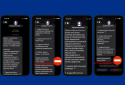
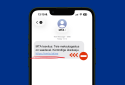
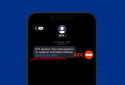
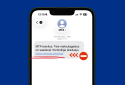
The examples given on this page may be used as training materials for the purpose of raising awareness of information security.
If you plan to use the name and/or visuals of the Tax and Customs Board when conducting phishing tests or in awareness campaigns, please notify us in advance by emailing [email protected].
Please note that
- the phishing test/simulation must not give the impression that it is a genuine communication from the Tax and Customs Board;
- active Tax and Customs Board domains or contact details must not be used;
- after the simulation, participants must be informed that it was a training exercise.
Last updated: 22.09.2026


